
Node & flow inspection
Click any endpoint or communication and open the Inspector for details.
- Identity, classification, timestamps, and traffic metrics.
- Center on selection and pivot from highlights to evidence.
NDA reads packet captures and produces an interactive map of endpoints and communications so teams can investigate faster, explain risk clearly, and ship report-ready evidence.
Identify new external connections, scanning behavior, and unexpected lateral movement from a single capture.
Isolate OT protocols, spotlight insecure services, and build defensible diagrams for engineering stakeholders.
Compare baselines and maintenance windows to prove what changed and produce clean before/after evidence.
A quick walkthrough of ingest, filtering, OT highlights, and exports.
Want hands-on? Launch the live NDA build. Prefer documentation? NDA User Guide.
Drag and drop .pcap/.pcapng (or open an .ndap project). NDA builds a graph of endpoints and communications so you can understand the shape of a network quickly.
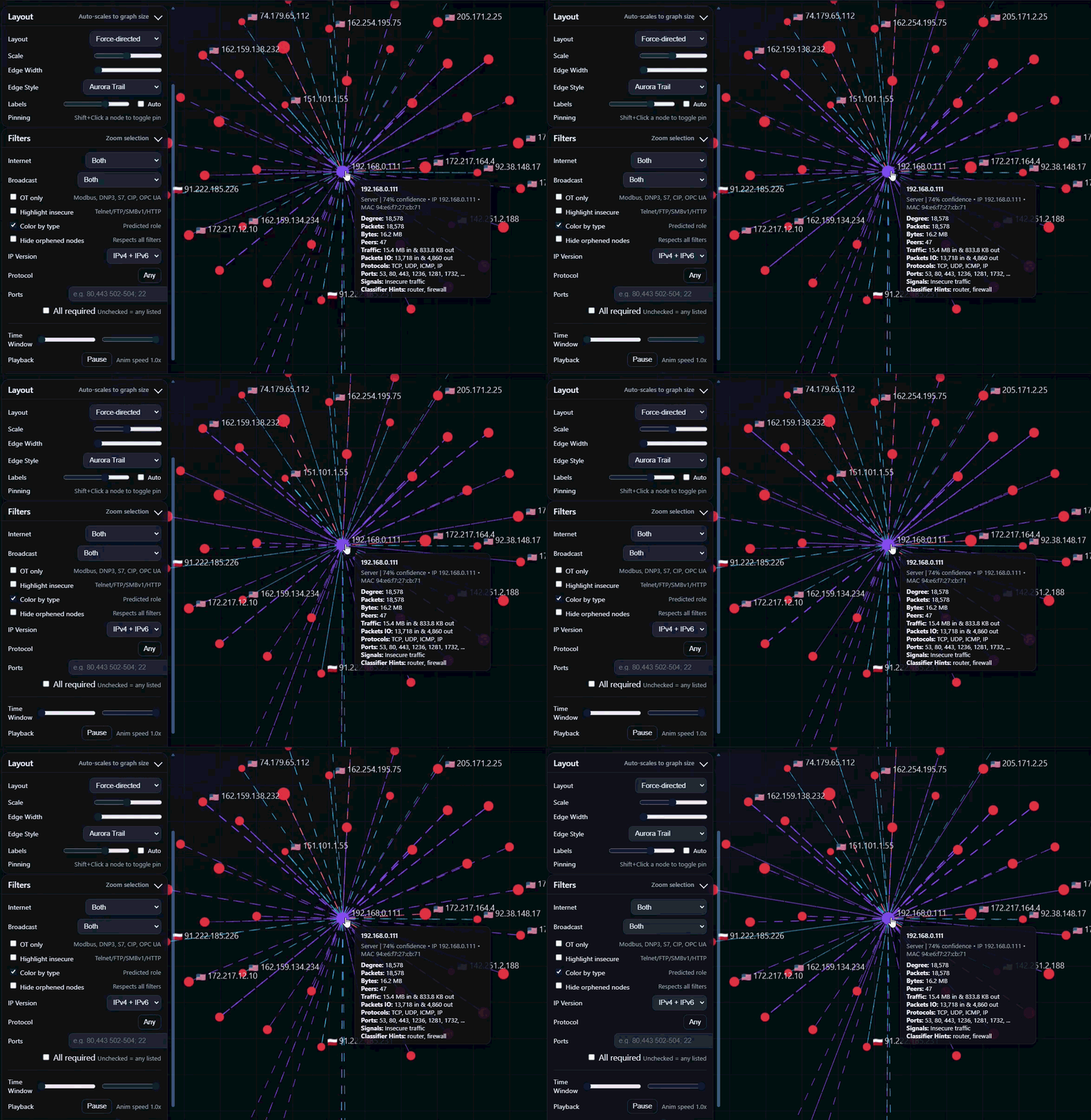
Start with quick toggles, refine with protocol/port filters, then use the query language for repeatable investigations. Add time slicing and playback when you need to pinpoint when activity happened.
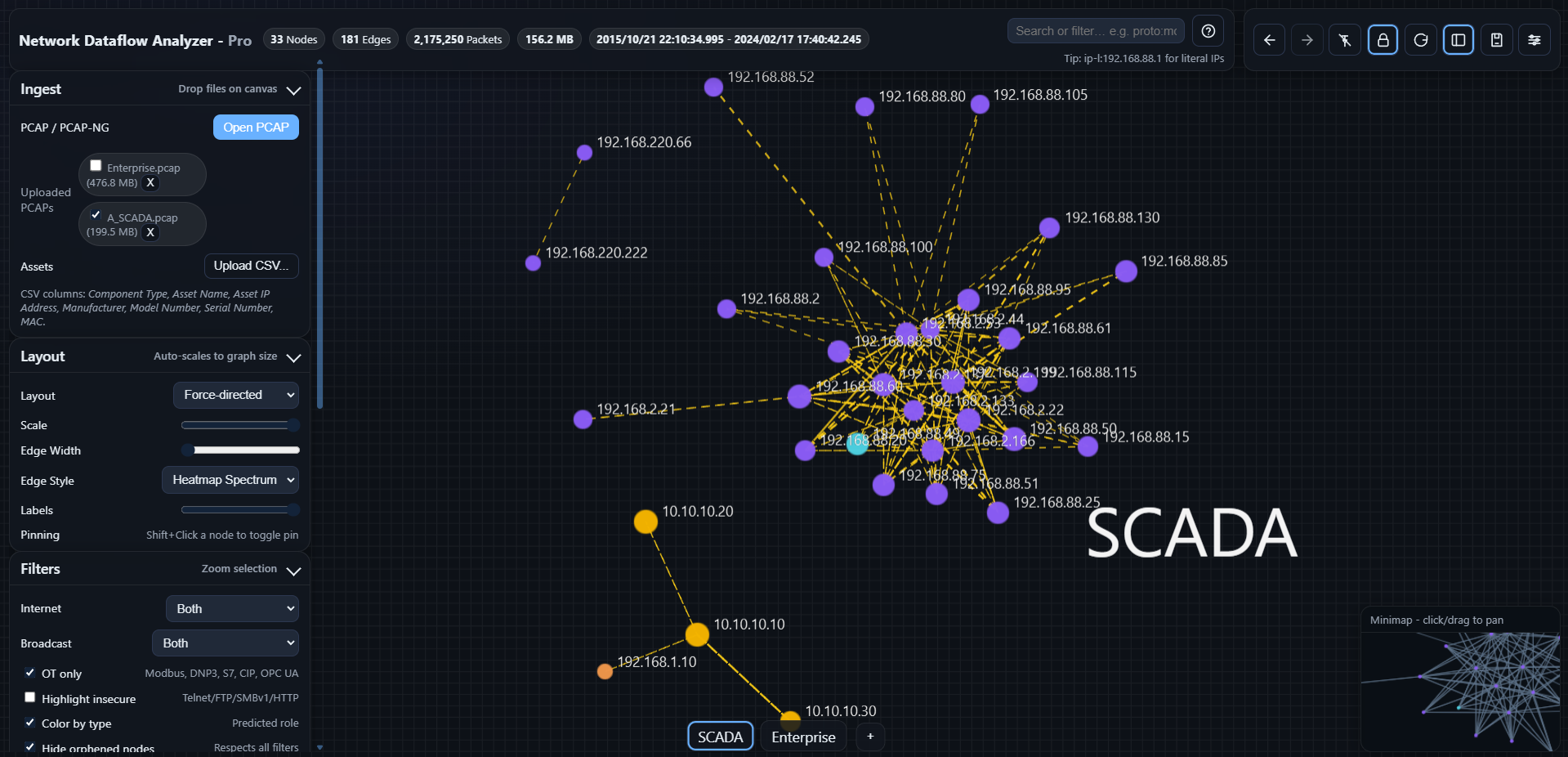
Industrial networks require context. NDA highlights OT protocols and insecure services so engineering and security teams can align quickly.
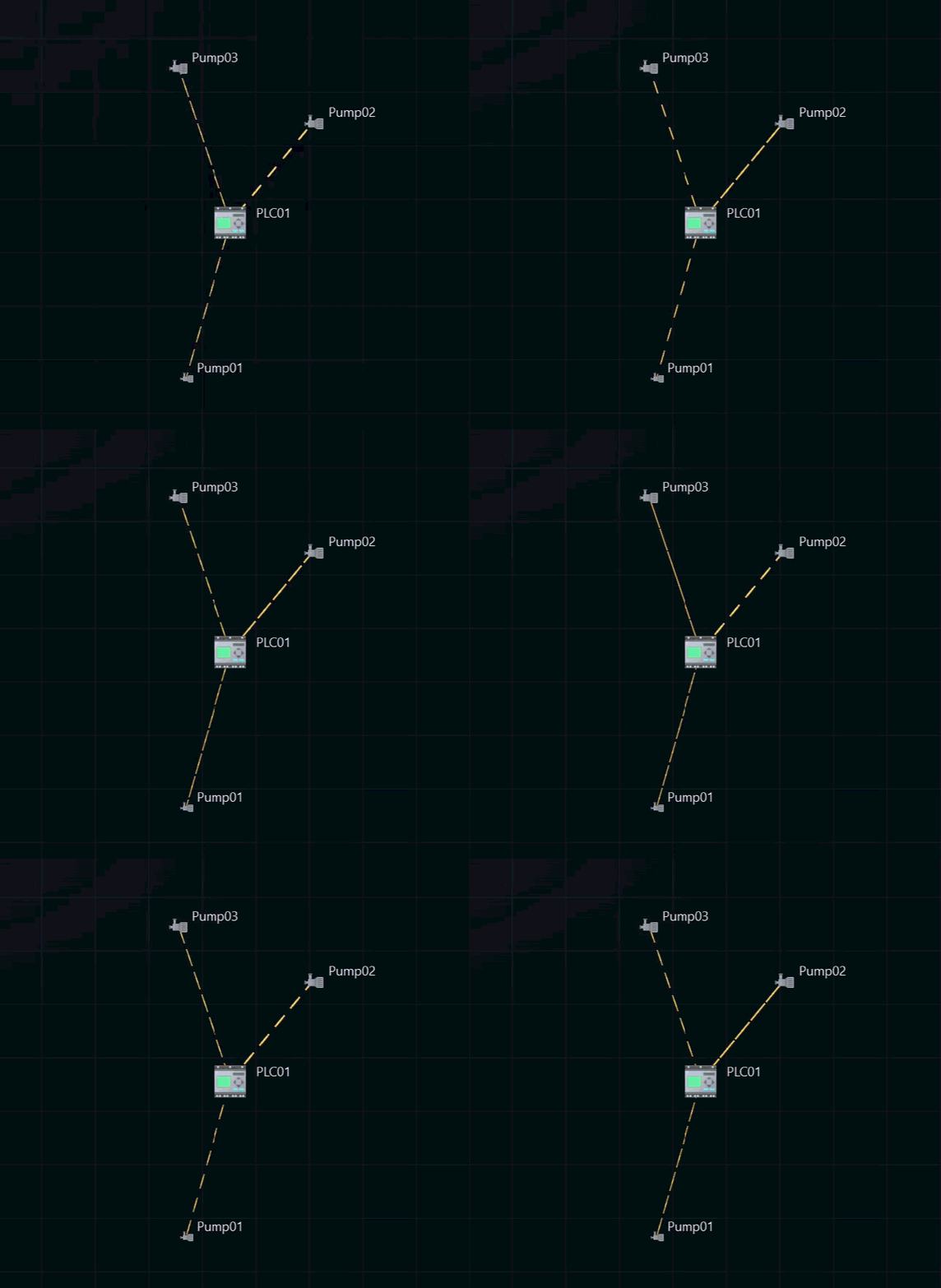
Explore, annotate, compare, and export without swapping tools.
Click any endpoint or communication and open the Inspector for details.
Build diagrams your stakeholders can understand—and act on.
Save the investigation workspace, not just the capture.
Produce consistent deliverables with presets and a unified export queue.
Compare snapshots or time windows to highlight additions, removals, and changes.
An OT-focused surface for inventory, incidents, insights, workflows, and playbooks.
Bring your inventory into the graph and make it searchable.
Stay responsive when graphs get big.
Note: Some capabilities are plan- or deployment-dependent (for example Graph Diff, Command Center, multi-canvas, read-only project exports, and enrichment imports). See pricing or contact sales.
NDA keeps teams aligned by turning ad-hoc packet analysis into a clear, repeatable workflow.
Load one or more captures and use layouts to understand baseline topology fast.
Remove noise with quick filters, then narrow with ports/protocols, queries, and time slicing.
Use the Inspector to validate details, then annotate the canvas with clear callouts and evidence.
Export visuals and data for reporting, or share .ndap projects for repeatable investigations.